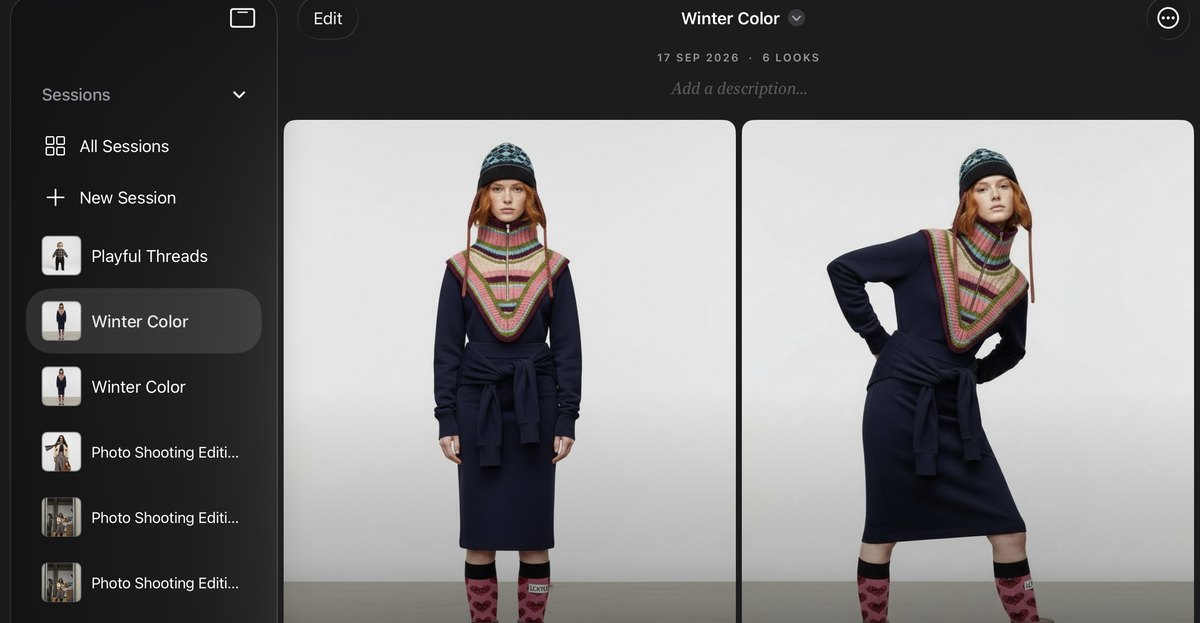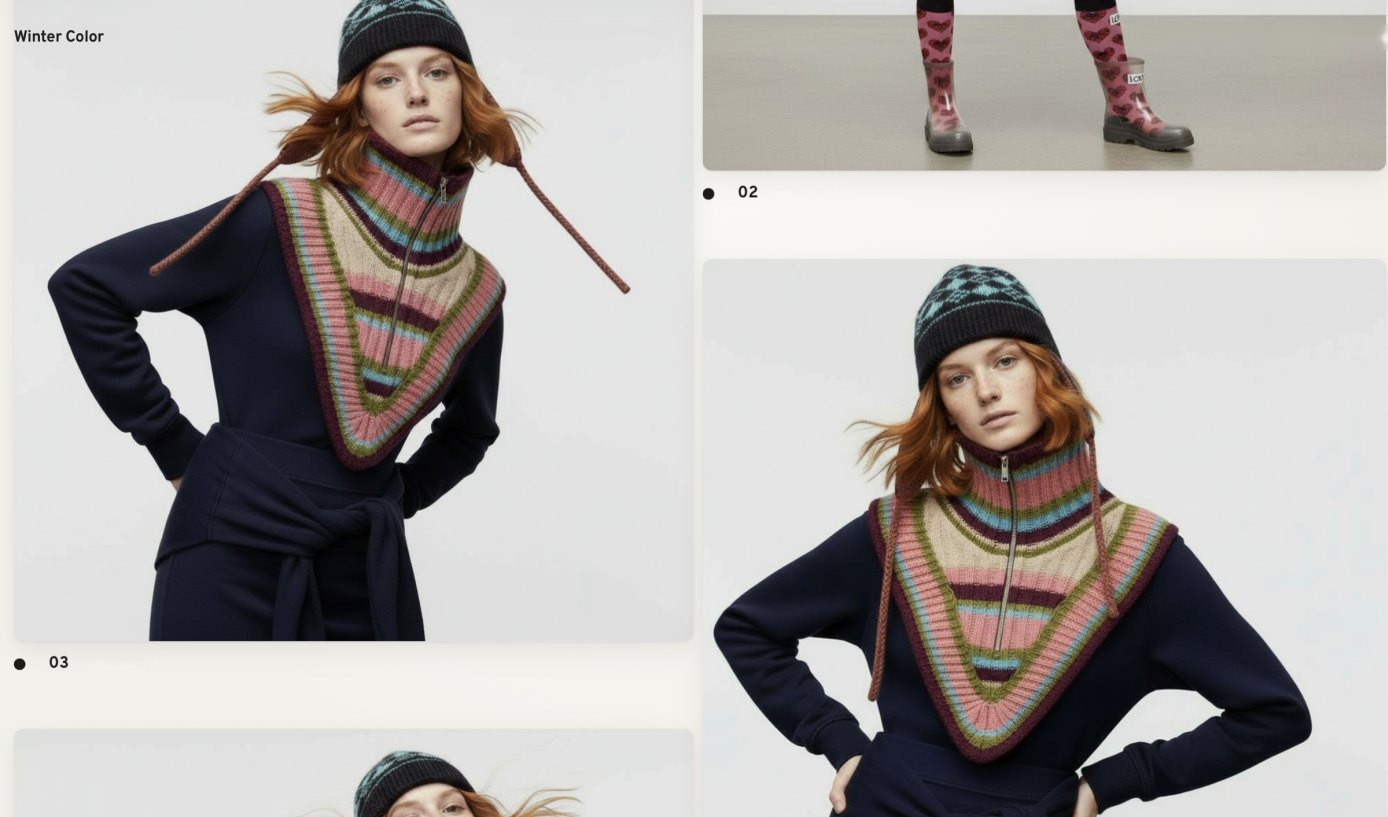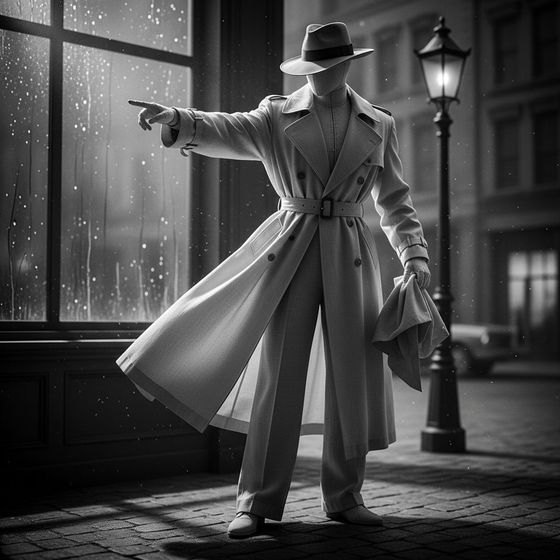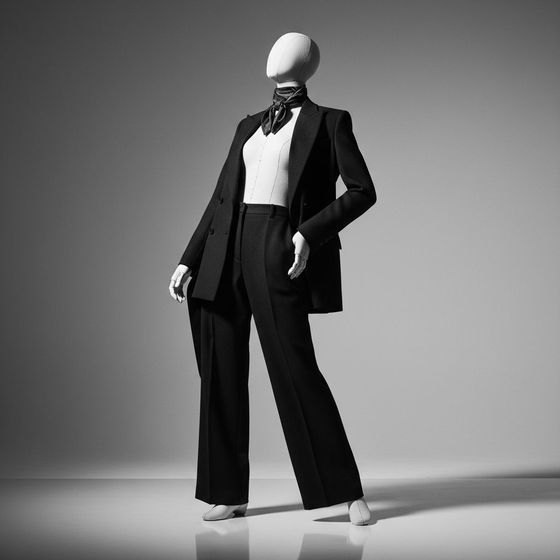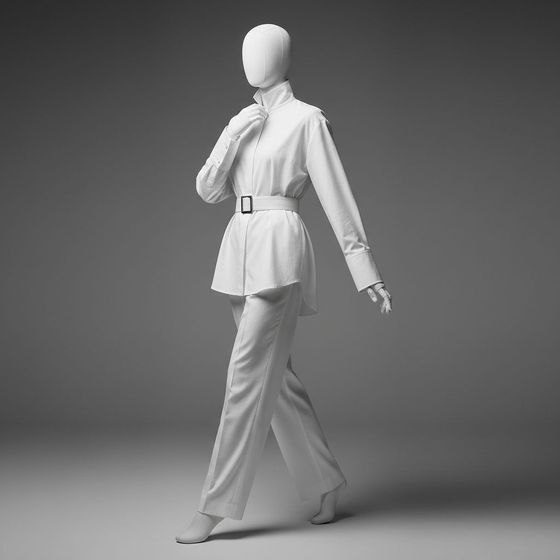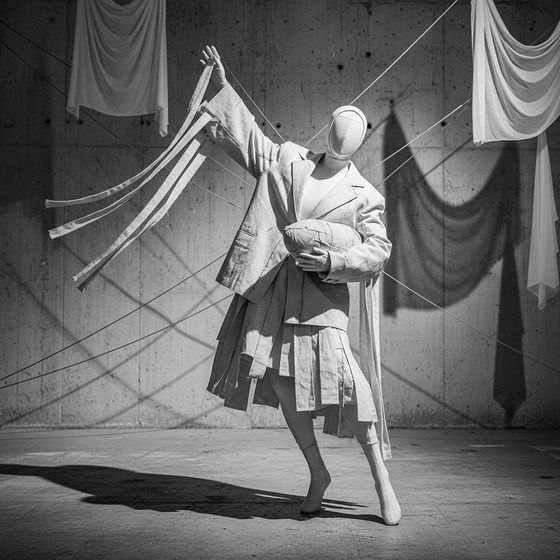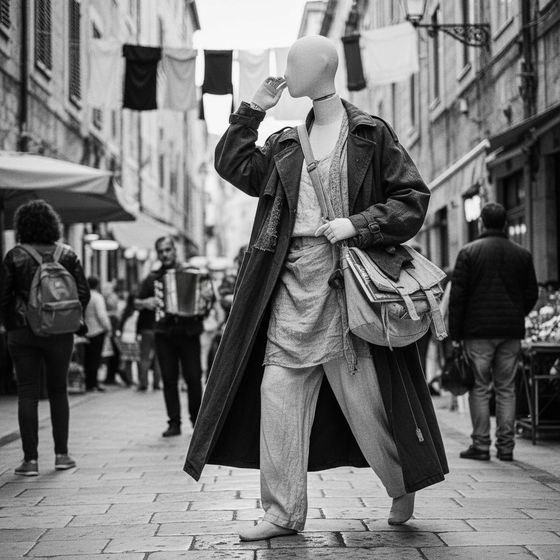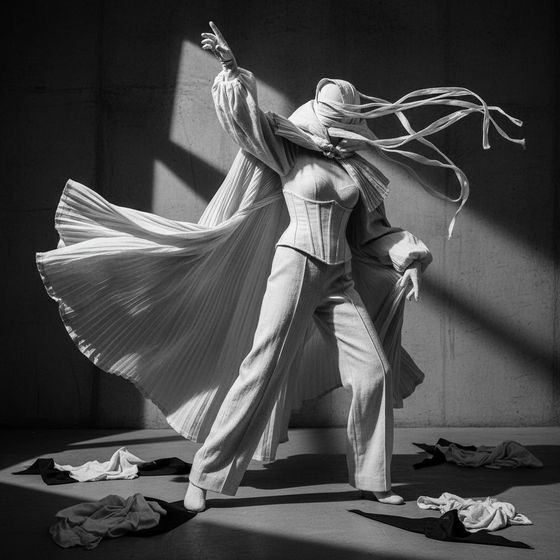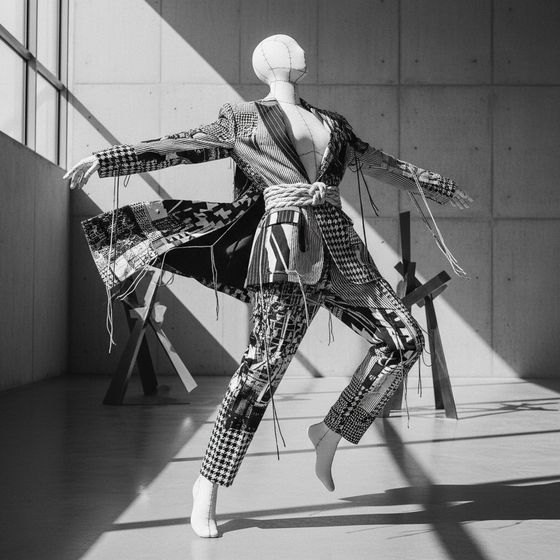
A session in Prêt à Stylist: six urban editorial looks generated from one cast model

Direct YourVision

Build every image through conscious visual choices, from casting and wardrobe to lighting, location and mood.
iPad showing the look map: the sketch with scarf, skirt, boots and bag pinned to it

Create WithoutPrompts

Turn ideas into professional fashion imagery through an intuitive, entirely visual creative workflow.
The history of a look: from the draft to the first shot, each edit branching from the one before

Refine WithoutStarting Over

Change individual details while preserving the model, styling, composition and creative context of your image.
Download on the App Store Download on the Mac App Store
iPad · iPhone · Mac · Apple Vision

Bring your creative direction to life before casting, location, production and budget decisions begin.

Download on the App Store Download on the Mac App Store

Understand Every Step

Four steps · One studio
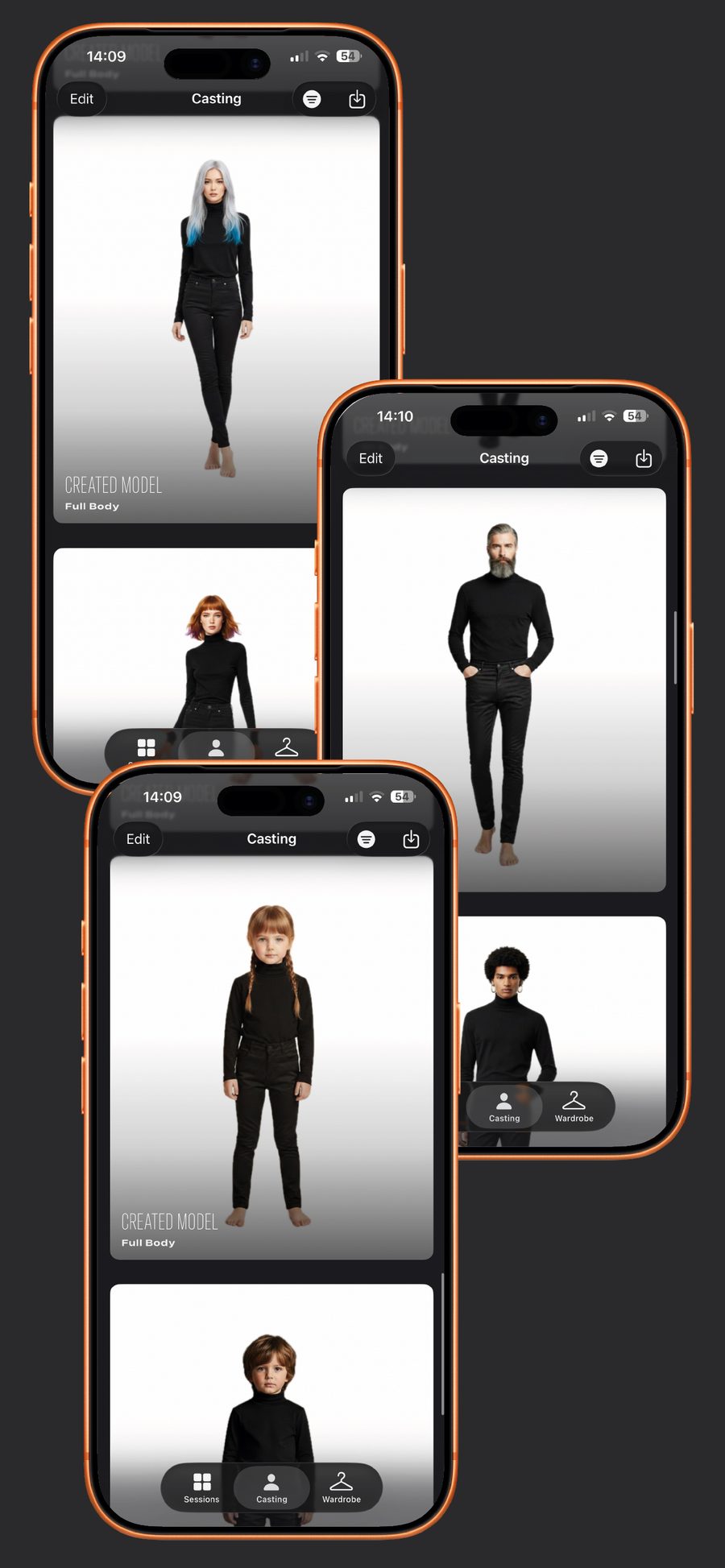
Three iPads showing the Casting library: created models in black, full body
Casting 01 · Body · Face · Hair

Choose body, face and hair.

Woman, man, child. Choose from almond eyes, a high bun, curly hair, or upload a model / client picture.

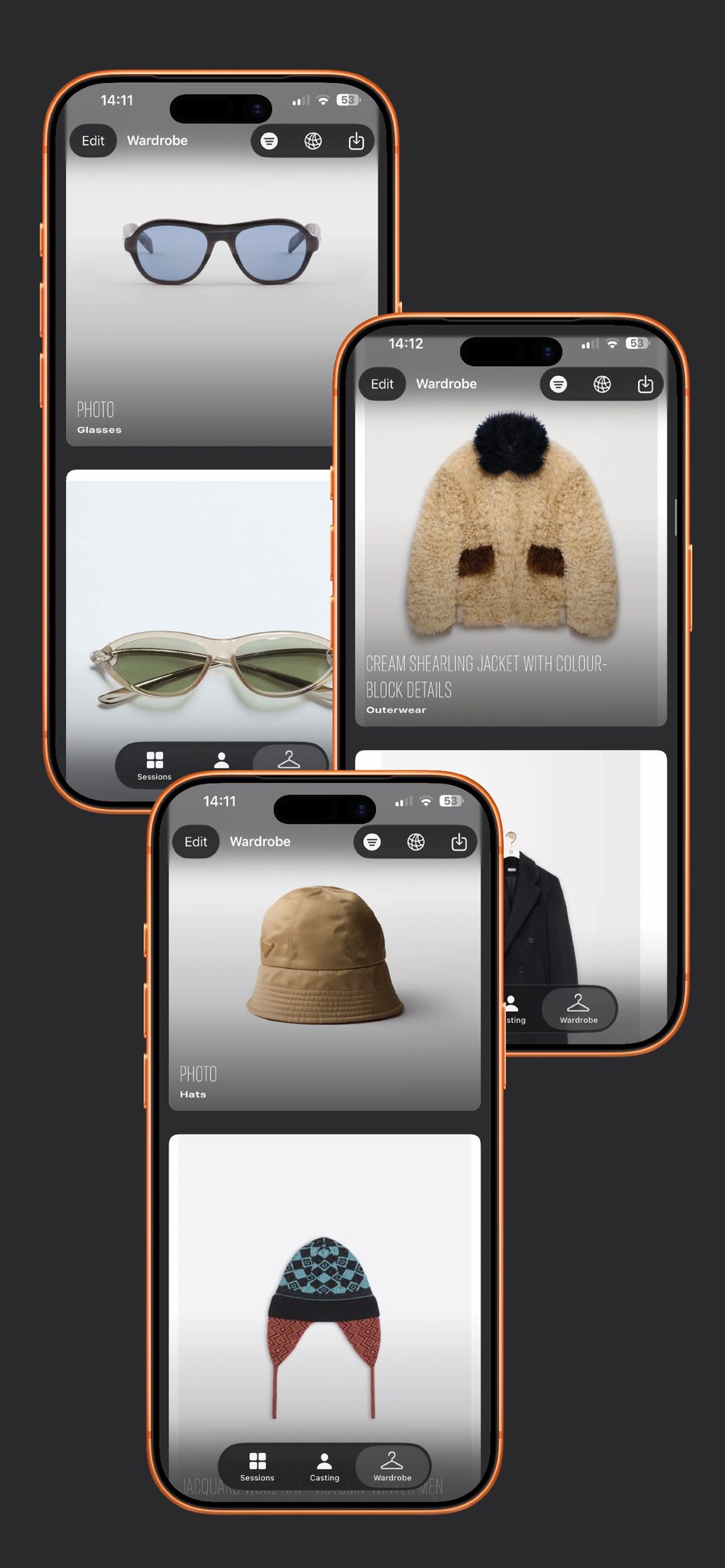
Three iPads showing the Wardrobe: jackets, bags, boots and accessories
Wardrobe 02 · Link · Store · Shopify CSV

Dress the look from any store.

Paste a product link, browse a designer’s store inside the app, or import a Shopify export. Each piece pins to the sketch where it belongs.

iPad showing the Editorial tab: aesthetics on the left, the generated look on the right
Editorial 03 · Aesthetic · Posture · Concept · Lighting

Set the aesthetic, the posture, the light.

Cinematic, Documentary, Anti-Fashion, Clean. Pick a concept, an angle and a lighting. Then shoot.

Share 04 · Gallery · Link · Export

Share the whole session.

Every project joins your Gallery. Send the client one web link with every image, or export the project and the images in full resolution.

Who it’s for

Who Is Prêt-à-Stylist For?

Stylists, brands, photographers, editors, designers, students — and anyone who loves putting a look together.

Showing 6 of 13 profiles
01

Fashion Lovers & Everyday Styling

Bring your own wardrobe into Prêt-à-Stylist and create looks with the clothes you already own. Discover new combinations, plan what to wear and build your own personal style archive.

02

Social Media & Content Creators

Create consistent fashion imagery for campaigns, launches and social media while maintaining control over your visual identity.

03

Personal Stylists

Create complete looks for your clients using real garments and products. Explore different combinations and visualize the final styling before making a decision.

04

Independent Fashion Brands

Turn your own products into campaign and social media imagery, creating professional visual content without the complexity of a traditional photoshoot.

05

Fashion Students & Schools

Develop styling projects, fashion stories and editorial concepts without depending on access to models, photographers, studios or large production budgets.

06

Fashion Designers

Bring your designs into complete visual contexts. Explore styling, models, locations and creative direction to see your pieces come to life.

How it works

The film · 1:38 · Every step, without writing
On iPhone

A look in thirty seconds.

Cast the model, pick a boot straight from the designer’s store, pin it to the sketch, set the posture and shoot. The whole look, built on the iPhone.

Screen recording · iPhone · 0:30
Aesthetics

Fifteen ways to shoot the same look.

Each aesthetic is a photographic brief with sixteen directions inside. Combine it with posture, concept, lighting, location, props and shot type.

7 categories · 105 styles · 1,680 directions
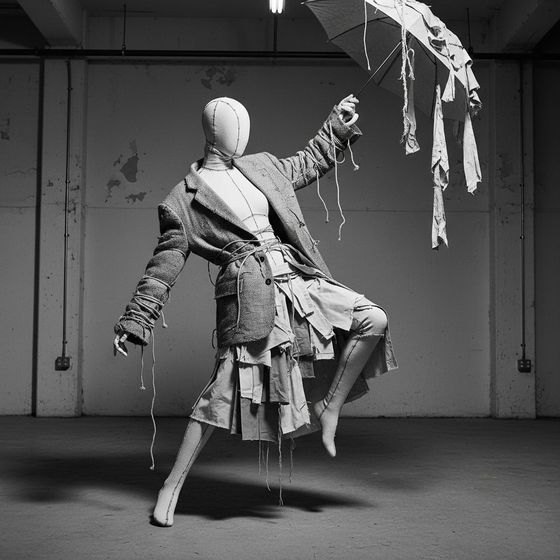
Anti-Fashion aesthetic
Anti-FashionAnti-Gloss Finish · Deconstructed Styling
Cinematic aesthetic
CinematicAtmospheric Depth · Character Presence
Classic Editorial aesthetic
Classic EditorialBalanced Lighting · Controlled Gesture
Clean aesthetic
CleanAiry Space · Crisp Silhouette
Conceptual aesthetic
ConceptualControlled Ambiguity · Framed Symbolism
Documentary aesthetic
DocumentaryCandid Capture · Authentic Texture
Dramatic aesthetic
DramaticBold Silhouette · Deep Perspective
Fashion-Forward aesthetic
Fashion-ForwardContemporary Edge · Dramatic Structure
And GraphicMinimalistPoeticRawRealisticRestrained SensualitySurreal

The Prêt-à family

1M+ creators · 150+ countries · Since 2014
Issue 01 · On the App Store

Open the studio.

One app on iPhone, iPad, Mac and Apple Vision. Sessions travel with you; the looks you cast on the iPad are waiting on the Mac.

Download on the App Store Download on the Mac App Store
iPhone · iPad
App Store
Mac
Mac App Store
Apple Vision
visionOS App Store
Prêt à Stylist on Mac: three looks from one session
Prêt à Stylist AI editorial studio
Three iPads showing the Casting library
Casting 01 · Body · Face · Hair

Choose body, face and hair.

Woman, man, child. Choose from almond eyes, a high bun, curly hair, or upload a model / client picture.

Face · Hair

A face, a hair, a detail.

Almond eyes, a high bun, a fabric mask, a Venetian mask. Each choice joins the look’s list of items, ready to be changed.

The Studio on iPad: High Bun and Fabric Mask in the items list, the look generated
Library

Your cast, ready for the next session.

The models you create stay in the Casting library, sorted into your own categories, one tap away from the next look.

The Casting library on Mac: created models in black, full body

Cast the model. Then dress it.

Download on the App Store Download on the Mac App Store
Three iPads showing the Wardrobe: jackets, bags, boots and accessories
Wardrobe 02 · Link · Store · Shopify CSV

Dress the look from any store.

The wardrobe keeps every piece you bring in: from a link, from a designer’s store, from a Shopify export. Each piece knows its category, and its place on the sketch.

Stores

A designer’s store, inside the studio.

Open the list of designers and brands, browse their store in the app, and import the product you are looking at.

Designers and brands, opened over the Wardrobe on Mac
Link · Shopify

Paste a link. Or bring the whole catalogue.

Paste a product link and the title and picture come in on their own. A Shopify CSV export brings a collection in at once.

The Wardrobe on Mac: bags, boots, trousers, knitwear
Templates

Prefer to Build Your Look with Templates?

Choose from our fashion templates and customize each piece with your preferred fabric, color and pattern to create the look you envision.

The template: a sketch with the scarf, skirt, boots and bag pinned to it
The photograph

Exactly as You Envisioned

Be surprised by the fidelity of the final image, where every creative decision comes together exactly as you envisioned it.

The photographs of the same look: the scarf, the pleated skirt, the boots and the bag
Categories
OuterwearBlouseKnitwearCorsetSkinsuitsTrousersSkirtsUnderwearSocksShoesBagsGloves

Dress the look. Then direct it.

Download on the App Store Download on the Mac App Store
iPad showing the Editorial tab
Editorial 03 · Aesthetic · Posture · Concept · Lighting

Set the aesthetic, the posture, the light.

Seven categories of direction, fifteen styles in each, sixteen directions inside every style. Choose what the photograph should feel like; the studio writes the brief.

On the look

Every direction, pinned to the image.

Aesthetic, concept, lighting, location: each choice sits around the result, linked by a dashed line, ready to swap before the next shot.

The Editorial tab on iPad: lighting options on the left, directions pinned around the look
3,360 directions · Adults and kids

Seven ways into the picture, for every age.

01

Aesthetic

15 styles · 16 directions each
Cinematic
Cinematic
Documentary
Documentary
Dramatic
Dramatic
Graphic
Graphic
Poetic
Poetic
Surreal
Surreal
02

Body posture

15 styles · 16 directions each
Contrapposto
Contrapposto
Leaning
Leaning
Power Pose
Power Pose
Reclining
Reclining
Seated
Seated
Walking / In Motion
Walking / In Motion
03

Concept

15 styles · 16 directions each
Elevated Everyday
Elevated Everyday
Experimental
Experimental
Futuristic
Futuristic
Historical
Historical
Nostalgic
Nostalgic
Urban
Urban
04

Lighting

15 styles · 16 directions each
Backlighting
Backlighting
Dramatic Lighting
Dramatic Lighting
Hard Light
Hard Light
Natural Light
Natural Light
Side Lighting
Side Lighting
Soft Light
Soft Light
05

Location

15 styles · 16 directions each
Industrial Space
Industrial Space
Minimal Interior
Minimal Interior
Natural Landscape
Natural Landscape
Street / City
Street / City
Studio
Studio
Urban Architecture
Urban Architecture
06

Props

15 styles · 16 directions each
Everyday Objects
Everyday Objects
Flowers / Plants
Flowers / Plants
Furniture
Furniture
Glass / Transparency
Loose Fabrics
Loose Fabrics
Mirrors
Mirrors
07

Shot type

15 styles · 16 directions each
Back Shot
Back Shot
Close-Up
Close-Up
Detail Shot
Detail Shot
Full Body
Full Body
Negative Space
Negative Space
Profile / Side View
Profile / Side View
08

Kids

Babies and children · 105 styles · 16 directions each
Crawling (kids)
Crawling
Fairytale (kids)
Fairytale
Friendship (kids)
Friendship
Fairy Lights (kids)
Fairy Lights
Treehouse (kids)
Treehouse
Bubbles (kids)
Bubbles
Posture

Sixteen ways to lean.

Every style opens its own directions. Leaning alone holds sixteen: Casual Lean, Confident Lean, Diagonal Lean, Hip Against Surface, One Foot Against Wall…

Leaning on Mac: the list of directions next to the result
Shot type

Frame it like a photographer.

Profile, close-up, back shot, full body, negative space. Pick the frame, then the exact direction: Profile Close-Up, Profile Full Body, Profile in Shadow…

Profile / Side View on iPhone: the list of directions
History

Every version stays.

From the draft to the first shot, each edit branches from the one before. Open the history, go back to any look and shoot again from there.

The history on Mac: draft, generate, then a tree of edits

Direct the look. Then share it.

Download on the App Store Download on the Mac App Store
Three looks from one session: Look 15, 16 and 17
Share 04 · Gallery · Link · Export

A Gallery That Feels Like Your Own Fashion Magazine

Every project you create becomes part of your Gallery, where you can add a title, date and description, organizing your work as a curated collection of fashion editorials.

iCloud

Your work, Always at Hand

Your Gallery projects are stored in iCloud, so your creative work stays with you across every Apple device where Prêt-à-Stylist is installed, ready whenever and wherever inspiration strikes.

The Gallery on iPad: Evening Edition, Urban Edition and more
Share link

Send a link, not an app.

The client or the editor opens a web page with every image of the session. Nothing to install on their side.

Export
Share link

A web page with every image of the session.

Project file

The whole session as a .pasproj file, to open on another device.

Wardrobe file

Your catalogue of pieces, as a .paswardrobe file.

Full-res images

The looks you select, at full resolution, or straight to Photos.

Every screen

iPhone, iPad, Mac and Apple Vision.

The studio is built for every Apple screen you work on: the iPhone on set, the iPad in the fitting, the Mac at the desk.

Prêt à Stylist on Mac: sessions of editorial looks

The shoot, in one link.

Download on the App Store Download on the Mac App Store
Aesthetics15 styles · 240 directions

Fifteen ways to shoot the same look.

Each aesthetic is a photographic brief with sixteen directions inside. Pick one and the look is shot in its language.

Anti-Fashion aesthetic
Anti-FashionAnti-Gloss Finish · Awkward Posture · Casual Defiance · Deconstructed Styling
Cinematic aesthetic
CinematicAtmospheric Depth · Character Presence · Controlled Depth of Field · Directional Composition
Classic Editorial aesthetic
Classic EditorialBalanced Lighting · Clean Composition · Controlled Background · Controlled Gesture
Clean aesthetic
CleanAiry Space · Balanced Framing · Controlled Lighting · Crisp Silhouette
Conceptual aesthetic
ConceptualControlled Ambiguity · Deliberate Posture · Framed Symbolism · Idea Over Emotion
Documentary aesthetic
DocumentaryAmbient Light Use · Authentic Texture · Candid Capture · Environmental Context
Dramatic aesthetic
DramaticBold Silhouette · Dark Spatial Atmosphere · Deep Perspective · Diagonal Composition
Fashion-Forward aesthetic
Fashion-ForwardBold Composition Shift · Conceptual Boldness · Contemporary Edge · Dramatic Structure
Graphic aesthetic
GraphicBold Silhouette Outline · Bold Structural Balance · Clear Edge Definition · Flat Composition
Minimalist aesthetic
MinimalistArchitectural Balance · Clean Silhouette Focus · Controlled Symmetry · Extreme Negative Space
Poetic aesthetic
PoeticAtmospheric Blur · Balanced Stillness · Dreamlike Rhythm · Emotional Subtlety
Raw aesthetic
RawClose Cropping · Direct Gaze · Documentary Edge · Emotional Exposure
Realistic aesthetic
RealisticAuthentic Posture · Balanced Exposure · Direct Composition · Documentary Clarity
Restrained Sensuality aesthetic
Restrained SensualityCalm Eye Line · Close Cropping · Controlled Exposure · Delicate Presence
Surreal aesthetic
SurrealAltered Perspective · Conceptual Illusion · Dislocated Body Framing · Dreamlike Composition
Combine with
Body postureConceptLightingLocationPropsShot type

One look, fifteen photographs.

Download on the App Store Download on the Mac App Store
Sessions of editorial looks on Mac
Who it’s forThirteen profiles · One studio

Who Is Prêt-à-Stylist For?

Stylists, brands, photographers, editors, designers, students — and anyone who loves putting a look together.

01

Fashion Lovers & Everyday Styling

Bring your own wardrobe into Prêt-à-Stylist and create looks with the clothes you already own. Discover new combinations, plan what to wear and build your own personal style archive.

02

Social Media & Content Creators

Create consistent fashion imagery for campaigns, launches and social media while maintaining control over your visual identity.

03

Personal Stylists

Create complete looks for your clients using real garments and products. Explore different combinations and visualize the final styling before making a decision.

04

Independent Fashion Brands

Turn your own products into campaign and social media imagery, creating professional visual content without the complexity of a traditional photoshoot.

05

Fashion Students & Schools

Develop styling projects, fashion stories and editorial concepts without depending on access to models, photographers, studios or large production budgets.

06

Fashion Designers

Bring your designs into complete visual contexts. Explore styling, models, locations and creative direction to see your pieces come to life.

07

Fashion Photographers

Pre-visualize your photoshoots by exploring casting, styling, poses, lighting, locations and atmosphere before production begins.

08

E-commerce Teams

Explore different ways to present products, complete looks and visual contexts for digital stores, campaigns and online communication.

09

Marketing & Brand Teams

Visualize campaigns and branded content before production, making it easier to develop concepts, align creative decisions and present ideas internally.

10

Editorial Stylists

Build the complete visual story of an editorial — from casting and wardrobe to location, lighting and creative direction — before stepping on set.

11

Creative Directors & Art Directors

Transform your creative vision into a clear visual direction. Define every element and communicate exactly what you envision to clients, teams and collaborators.

12

Fashion Editors & Magazine Teams

Develop complete editorial concepts before production. Visualize the story, align your team and support production and budget decisions.

13

Costume Designers

Visualize characters through casting, wardrobe, styling and environments, helping shape and communicate costume concepts before production.

Find your way in. Then cast the first model.

Download on the App Store Download on the Mac App Store
The studio on iPad
How it works Four steps · One studio

Cast. Dress. Direct. Shoot.

The whole studio in four steps, without writing a prompt. Each step opens its own chapter.

01

Cast

Choose the body, the face and the hair, from the Prêt à Template silhouettes.

Open chapter
02

Dress

Bring pieces in from a link, a designer’s store or a Shopify export, and pin them to the sketch.

Open chapter
03

Direct

Set the aesthetic, the posture, the concept, the light, the location.

Open chapter
04

Shoot

Tap Generate. The editorial comes back shot, and every version stays in the history.

Open chapter
Then

Share the whole session with one link.

Four steps. One studio.

Download on the App Store Download on the Mac App Store
Prêt à Stylist on Mac: sessions of editorial looks
Prêt à Stylist New · 2026 · The AI editorial studio

The AI editorial studio.

By the makers of Prêt à Template. The silhouettes designers already sketch on become models you can cast, dress, direct and shoot, on every Apple screen.

Every screen

iPhone, iPad, Mac and Apple Vision.

Result on iPhone
iPhoneA look in thirty seconds, on set.
A session on iPad
iPadThe whole studio, full screen.
Sessions on Mac
MacSessions, casting and wardrobe at the desk.
Apple VisionThe studio on visionOS.
The Prêt-à family

Three apps, one way of working.

1M+ creators · 150+ countries · Since 2014.

Open the studio.

Download on the App Store Download on the Mac App Store
Press kit

Prêt à Stylist, in brief.

Prêt à Stylist is an AI editorial studio for iPhone, iPad, Mac and Apple Vision. Stylists cast a model from the Prêt à Template silhouettes, dress the look with pieces from any store, set the aesthetic, the posture and the light, and shoot an editorial photograph. It is the third app of the Prêt-à family, after Prêt à Template and Prêt à Makeup.

Fact sheet
Name
Prêt à Stylist
What
An AI editorial studio for fashion
Platforms
iPhone · iPad · Mac · Apple Vision
Developer
Prêt-à-Template
Family
Prêt à Template · Prêt à Makeup
Since
2014 · 1M+ creators · 150+ countries
Family awards
Prêt à Template: The best of 2017, Editors’ Choice · Prêt à Makeup: The best iPad app of 2023
Web
pretatemplate.com
Brand

Logos and symbol.

Download the kit · ZIP
Screens

From the app.

Tap an image to download it.

Prêt à Stylist. The look, before the shoot.

Download on the App Store Download on the Mac App Store